Change one corner, not the whole photo
Tap, draw a box, scribble or brush over the part you want different. Everything outside it stays as it was.
Take a photo. Pick what to change, from one wall to the whole style. Repose keeps the rest of the room as it is and shows the result beside the original.
Free to start. iPhone and iPad.


How it works
Or choose one from your library. Repose only gets the photo you pick, nothing else.
Pick a tool and a style, then mark the area: tap the sofa, draw a box around the wall or brush over the floor. Walls, doors and windows stay where they are.
Drag across the result to compare it with the original. Save the ones you like to Photos, or try again from the original.
Use them one at a time, or send a result on to the next tool.
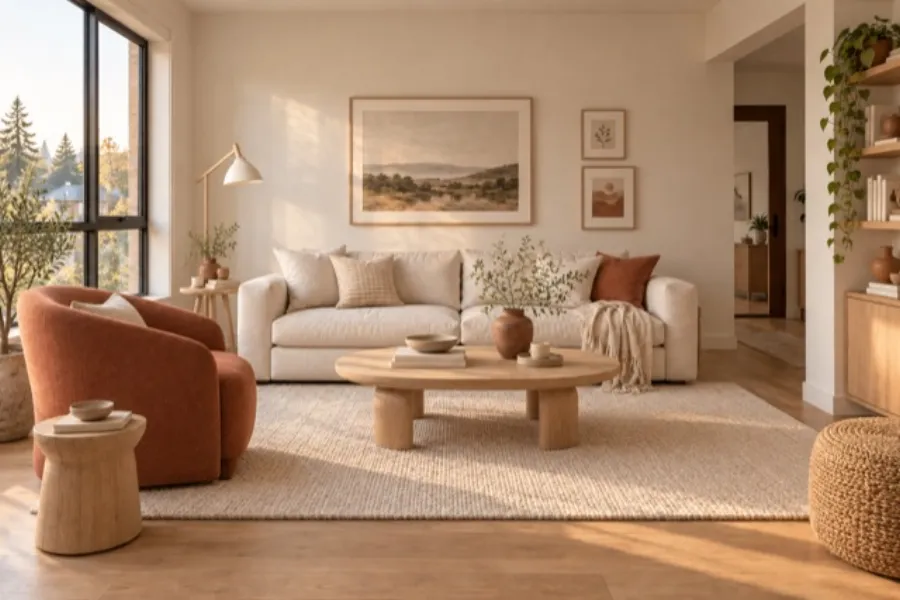
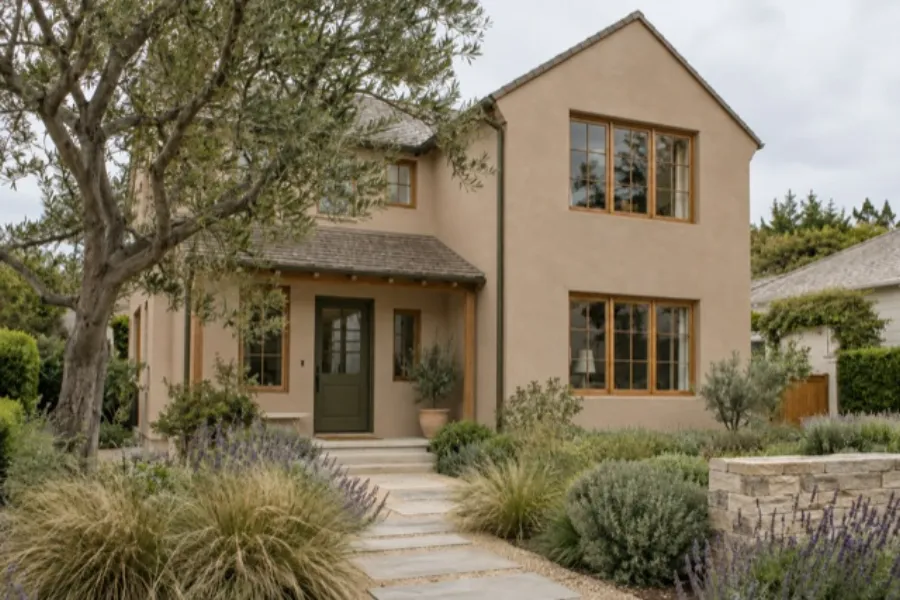
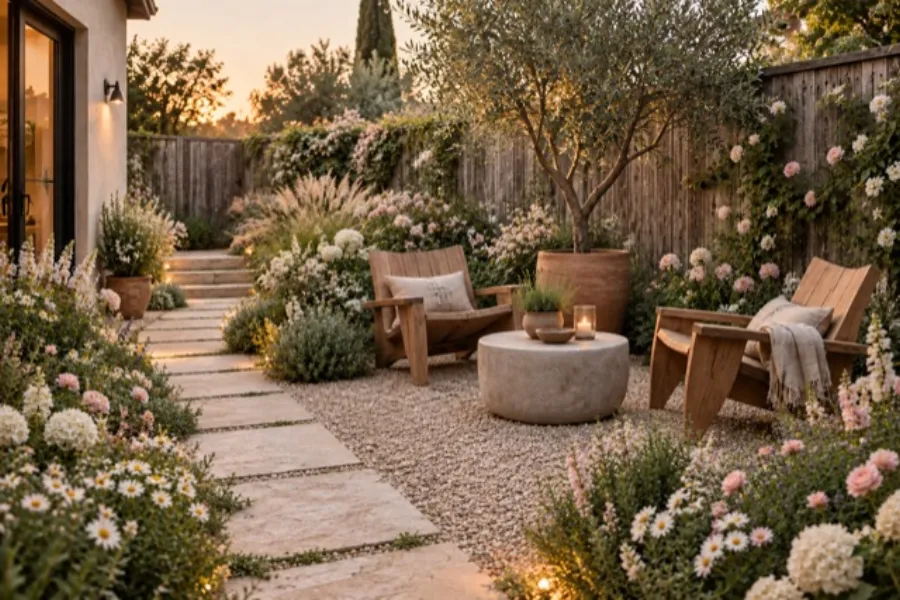
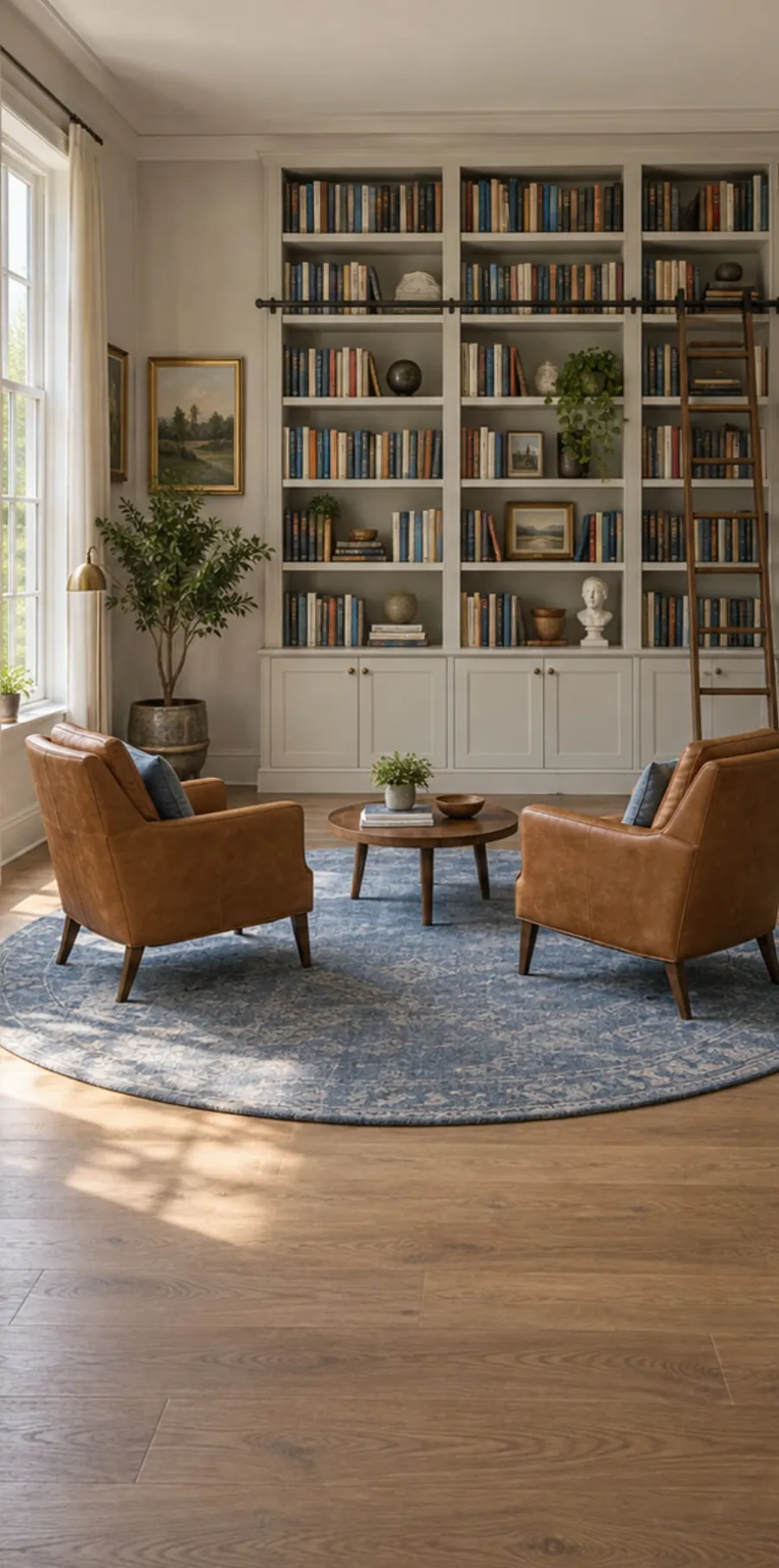
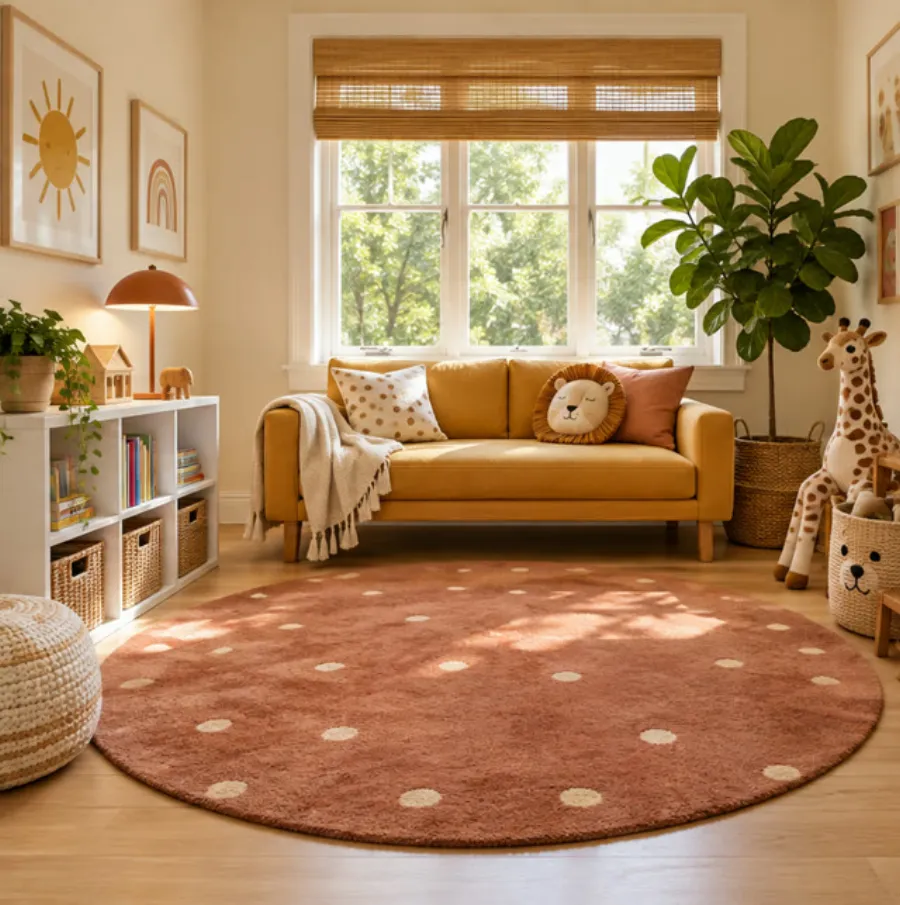
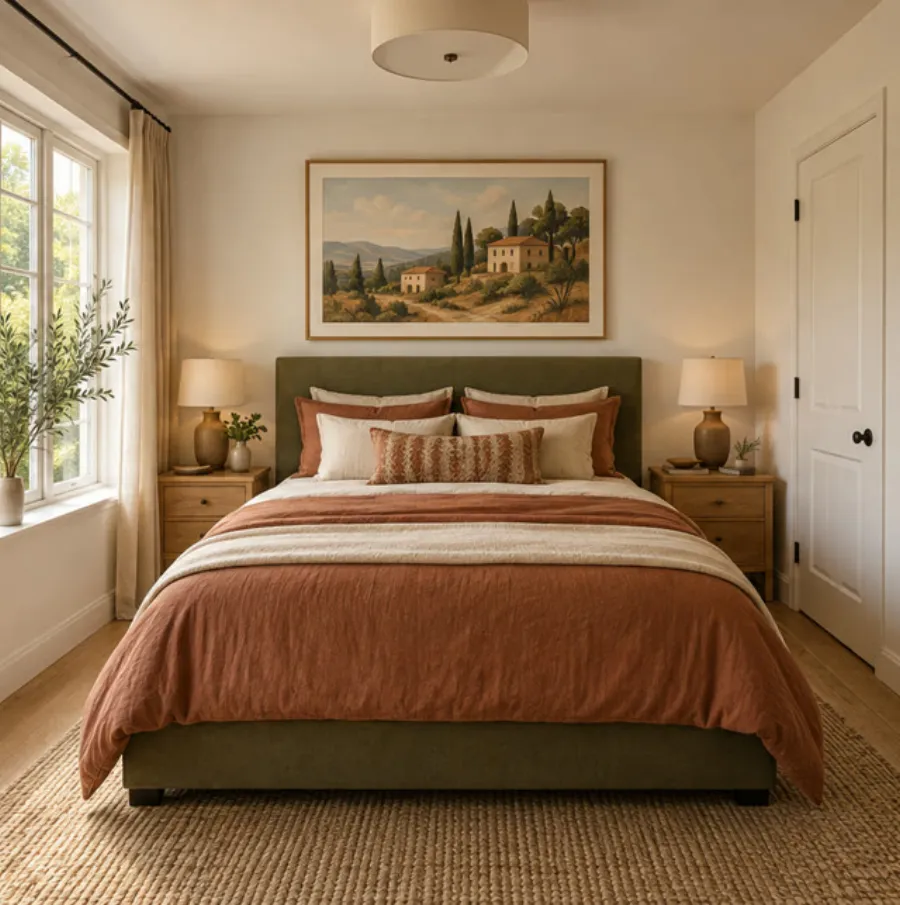
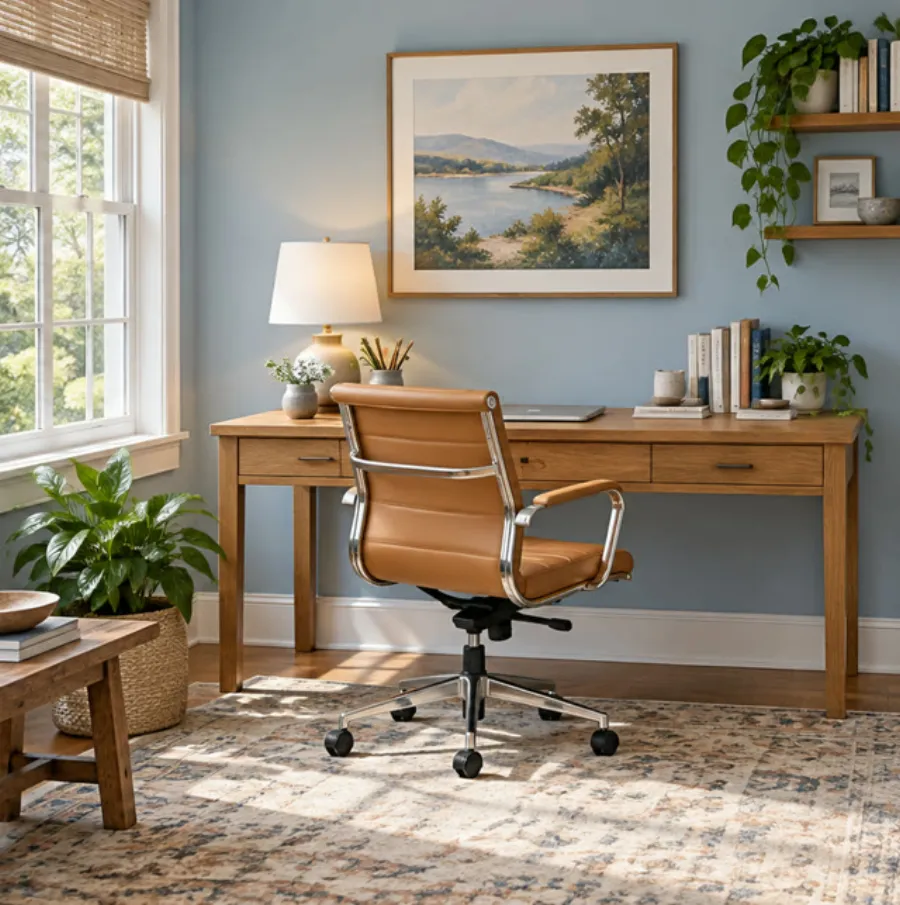
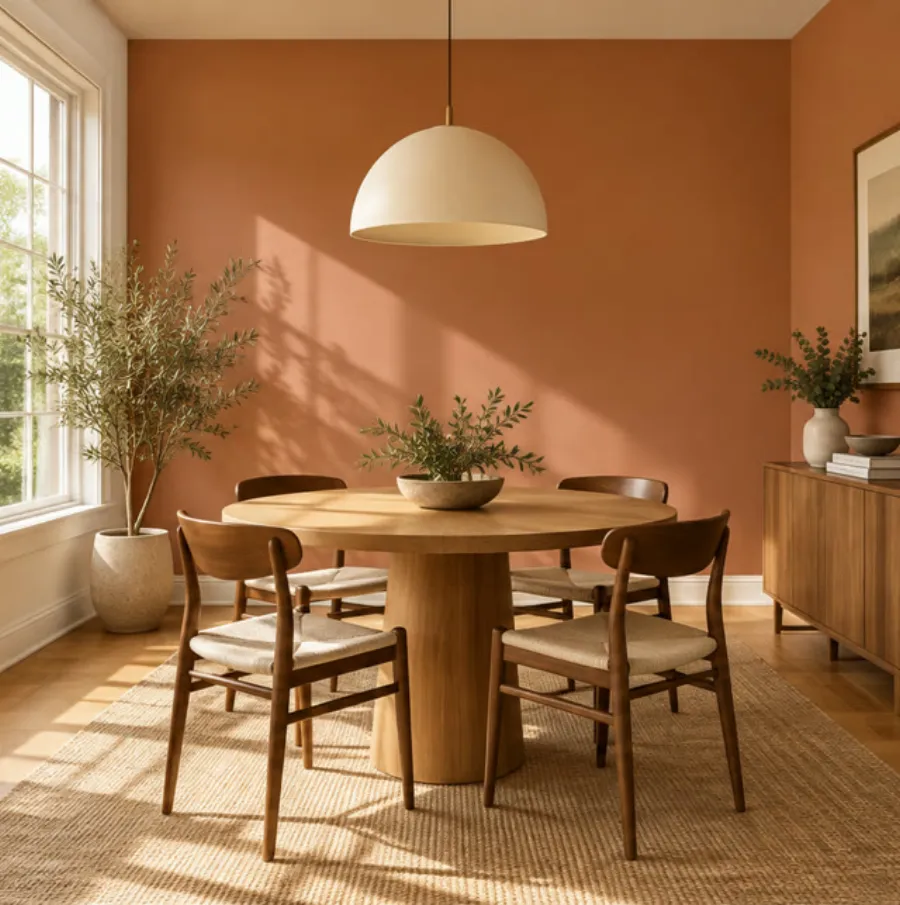
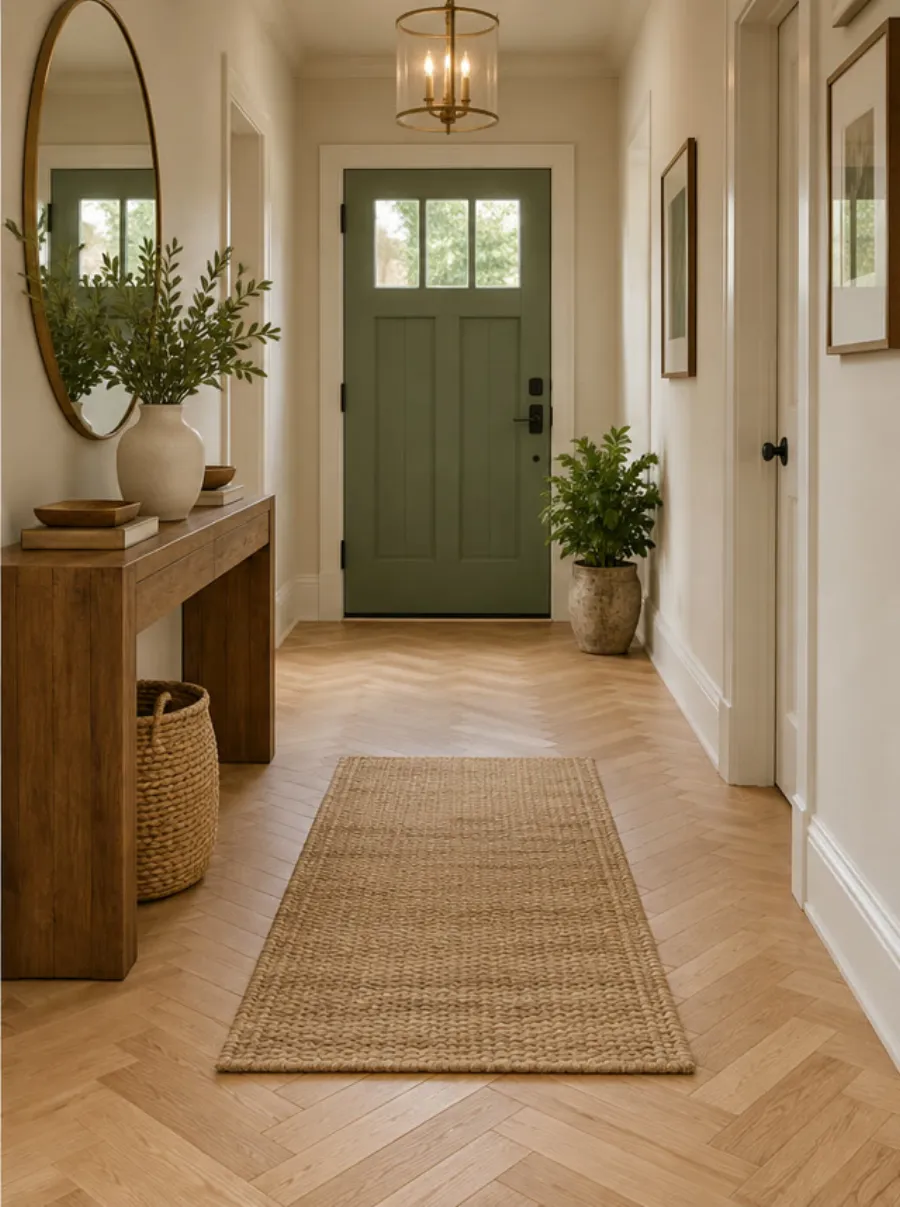
In the app
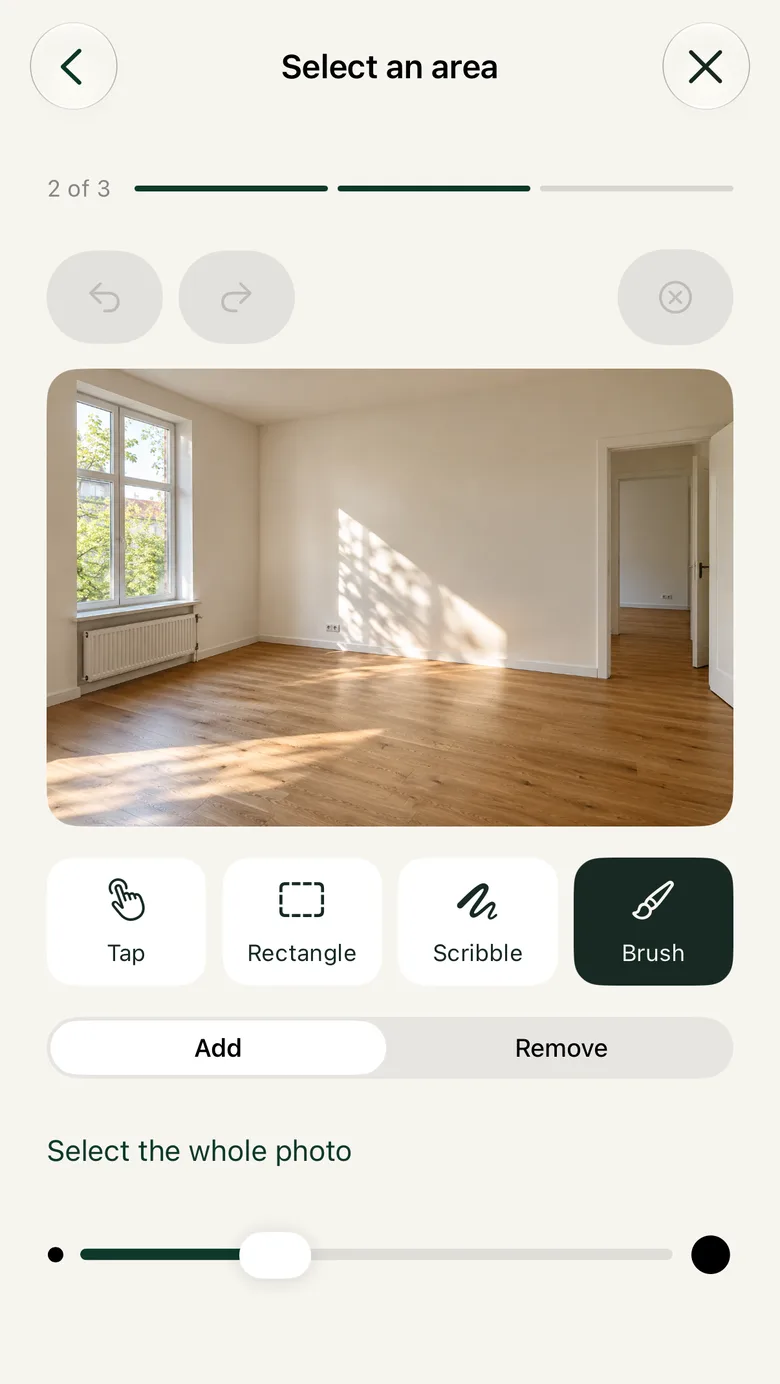
Tap, draw a box, scribble or brush over the part you want different. Everything outside it stays as it was.
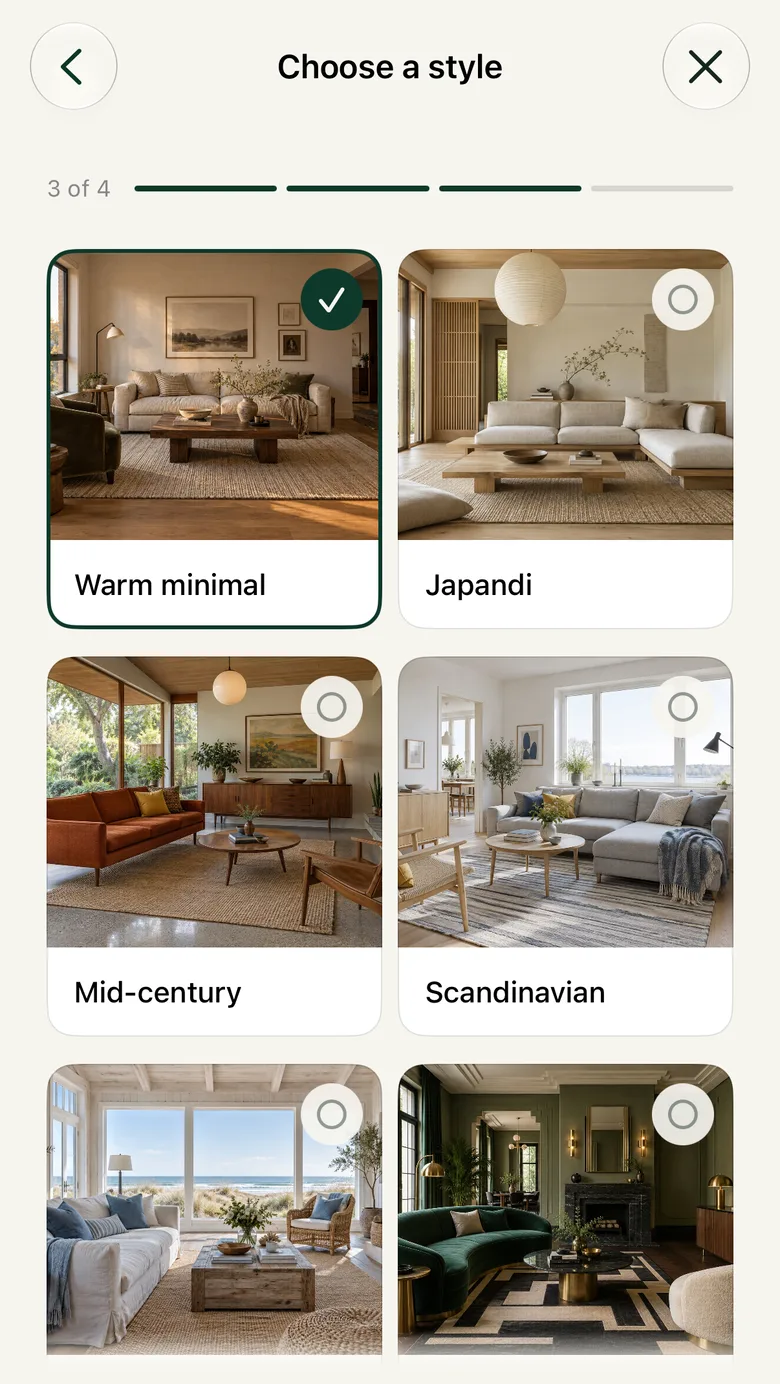
Warm minimal, Japandi, Mid-century, Scandinavian and more, each shown as a real room, with paint names you can take to the shop.
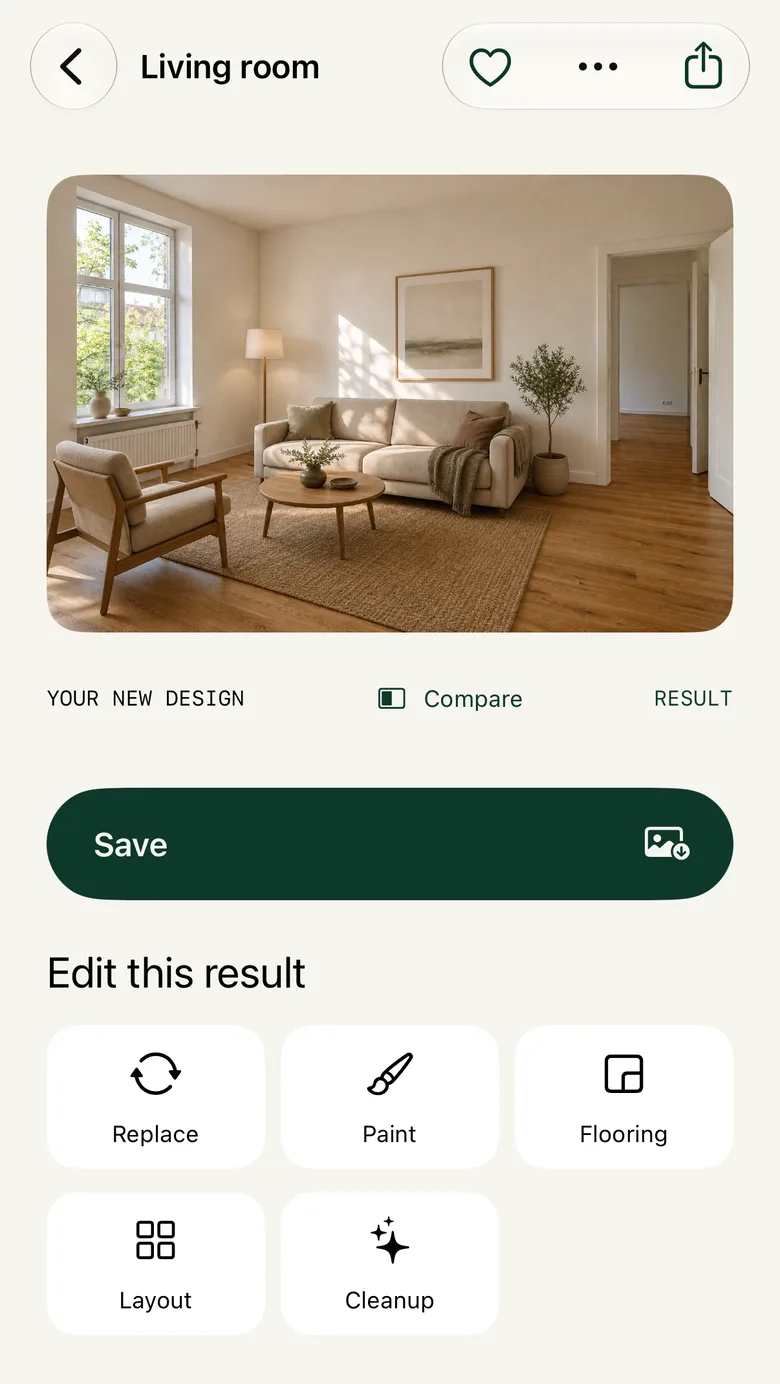
Every result opens beside the original. Save it to Photos, or send it on to Paint, Flooring or Replace for another pass.
Privacy
Beta
Repose is an AI interior design app for iPhone and iPad, free to start. Install Apple's TestFlight app, then open the beta link on your phone.